 Bouncer Docs
Abandoned Order Recovery
Recover abandoned WooCommerce carts with CartBounty and WhatsApp reminders at each recovery step
The Abandoned Orders screen (in the Bouncer WhatsApp sidebar) monitors abandoned carts captured by the CartBounty plugin and sends WhatsApp reminders at the configurable recovery steps.
Abandoned order recovery now requires the CartBounty plugin, not the built-in order-status scan. Install and activate CartBounty first — until it's detected the screen shows CartBounty not detected and no carts are polled.
The plugin polls CartBounty's cart table on a schedule; for each cart it checks whether a recovery step is due and, if so, sends the matching WhatsApp message directly through your Bouncer instance — no webhook or workflow required.
Activity
The Activity tab shows the live list of abandoned carts captured by CartBounty.
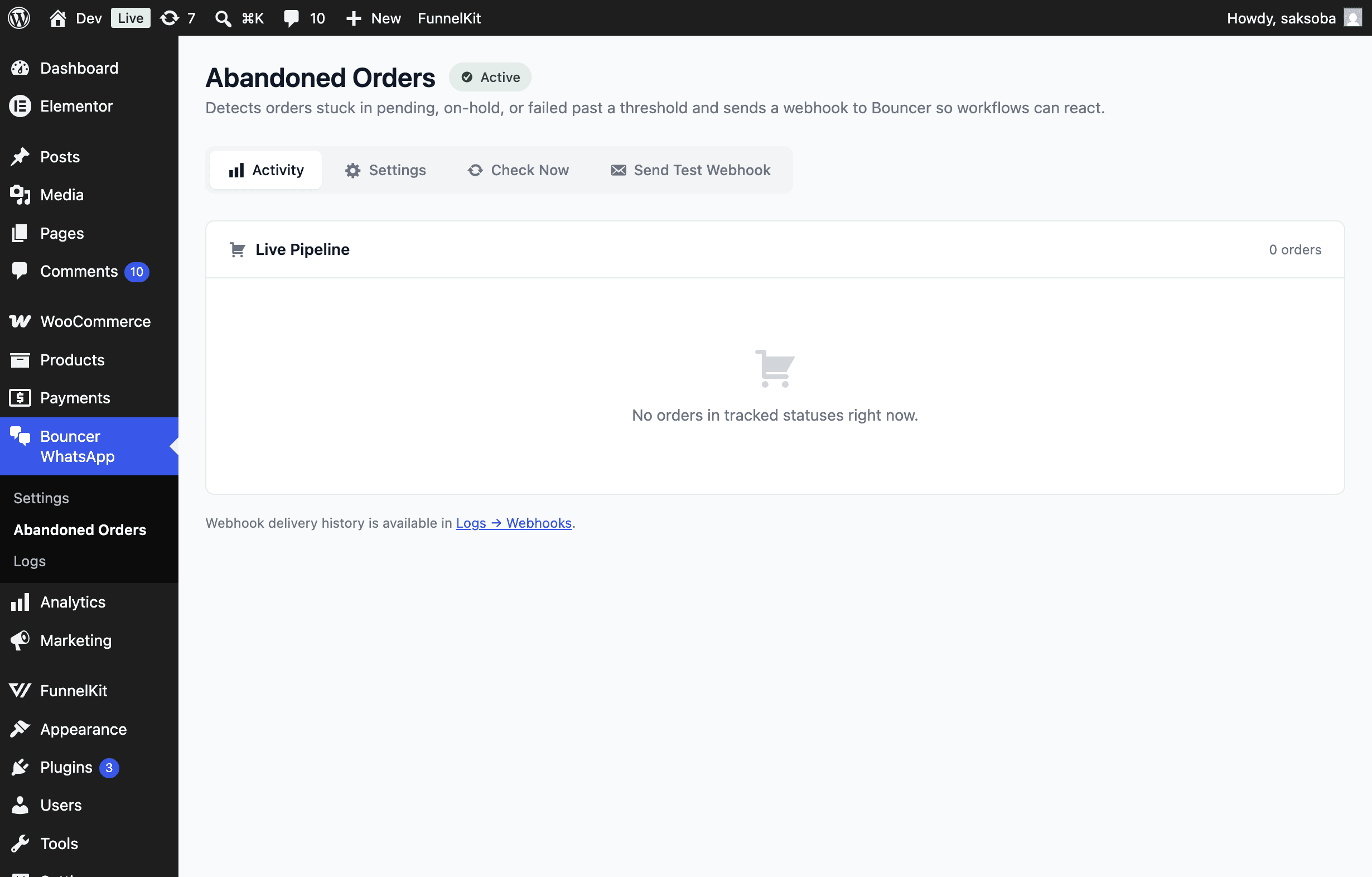
The Live Carts card lists each captured cart with customer, phone, cart total, the time it was abandoned, and a badge per recovery step showing whether that step was Sent or is Due (and will go out on the next check). WhatsApp delivery history is available under Logs → Messages.
Configure recovery steps
Open the Settings sub-tab to choose which CartBounty email steps are mirrored as WhatsApp messages.
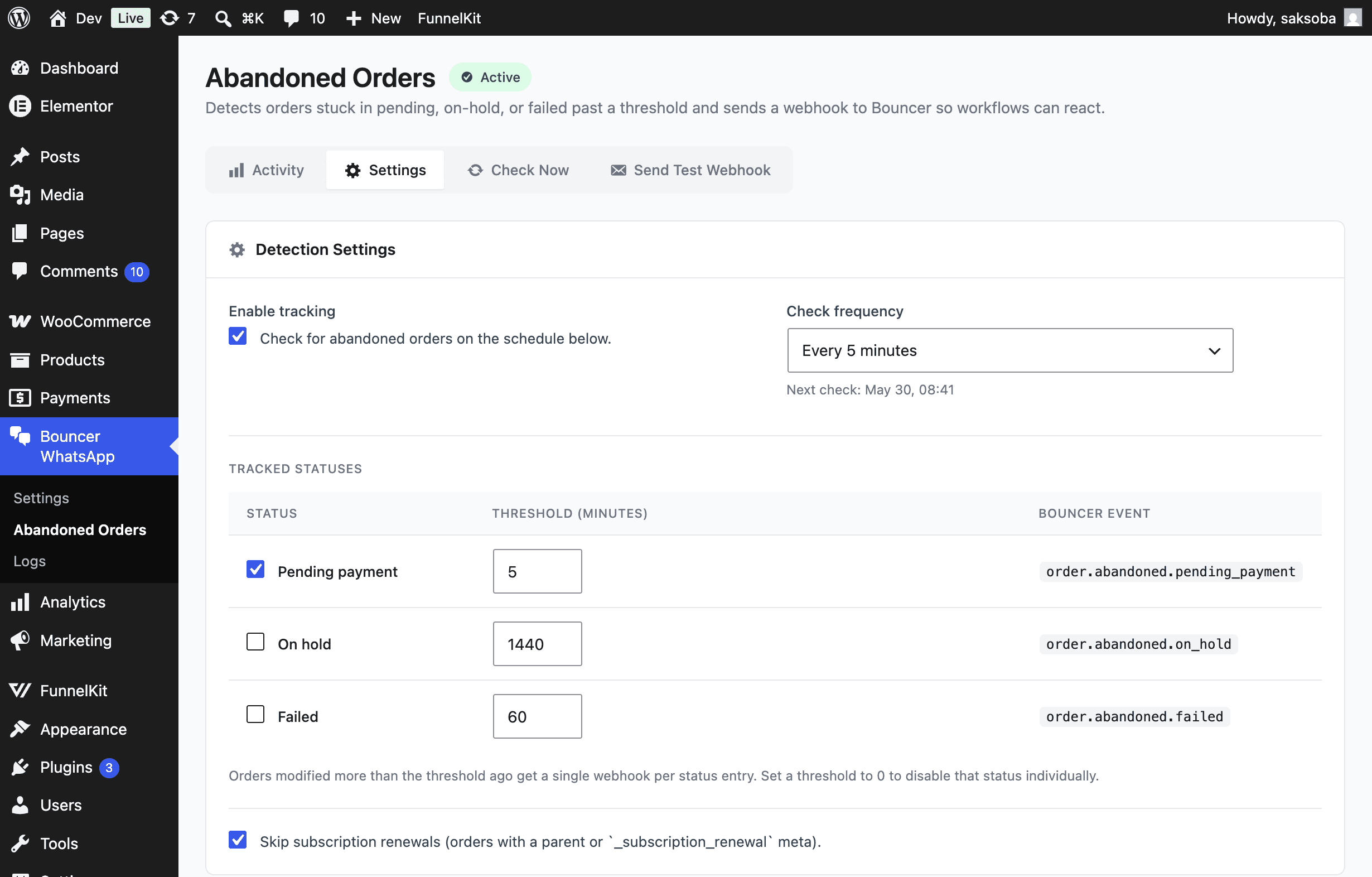
- Tick Enable CartBounty polling.
- Under Steps, enable each step you want mirrored to WhatsApp:
- Step 1 — First reminder (mirrors the first CartBounty email)
- Step 2 — Second reminder
- Step 3 — Third reminder
- Click Save settings.
Each selected step sends a WhatsApp message alongside CartBounty's own email reminder at the same interval.
Write the messages
Step templates live on the Automation tab of Bouncer WhatsApp → Settings in the CartBounty Steps card — map each CartBounty email step to its WhatsApp message.
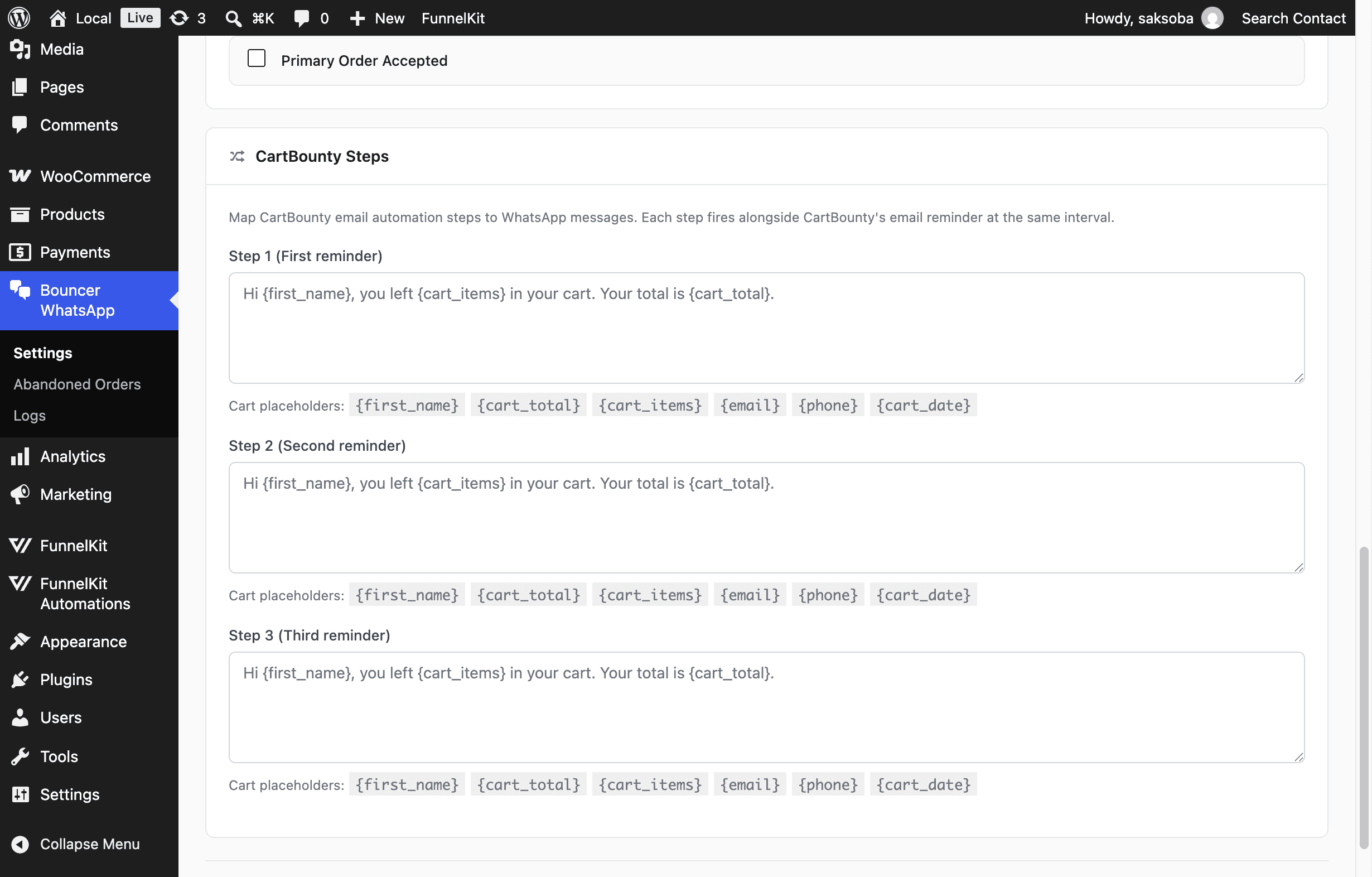
Each step is a separate template. On a Bouncer Direct instance you write free-form text using cart placeholders; on a Cloud API instance you pick an approved WhatsApp template per step.
Cart placeholders
Available placeholders for the cart reminder templates:
| Placeholder | Description |
|---|---|
{first_name} {last_name} {name} | Customer name from the cart |
{email} {phone} | Contact details captured by CartBounty |
{cart_id} | Internal CartBounty cart ID |
{cart_total} {amount} {order_total} | Cart total with currency |
{currency} | Currency code |
{cart_items} {order_items} | Cart line items |
{cart_date} {order_date} {abandoned_at} | When the cart was abandoned |
{country} {city} {postcode} | Billing location |
{cart_hash} | Cart session hash |
Check Now
Use Check Now to run the sweep immediately. Preview lists the carts that are candidates for a WhatsApp message without sending; Check Now sends the messages for steps that are due.
Send Test Webhook
Send Test Webhook sends a one-off abandoned webhook for a specific order. This is a legacy testing tool for the old order-status detection flow, which CartBounty polling has replaced.
Troubleshooting
| Symptom | Fix |
|---|---|
| Header shows CartBounty not detected | Install and activate the CartBounty plugin. |
| No carts in Live Carts | CartBounty only captures abandoned carts once it's active and visitors leave carts behind. |
| No WhatsApp reminder sent | Polling is disabled, the step is not selected, or the step template is empty. Check the Check Now → Preview result and Logs → Messages. |
| Cloud API instance sends nothing | The step isn't mapped to an approved WhatsApp template on the Automation → CartBounty Steps card. |
| Carts send but to the wrong person | Ensure the cart has a reachable WhatsApp phone number; cart phone is used for delivery. |